Preview: Dark/light responsive graphics on the web

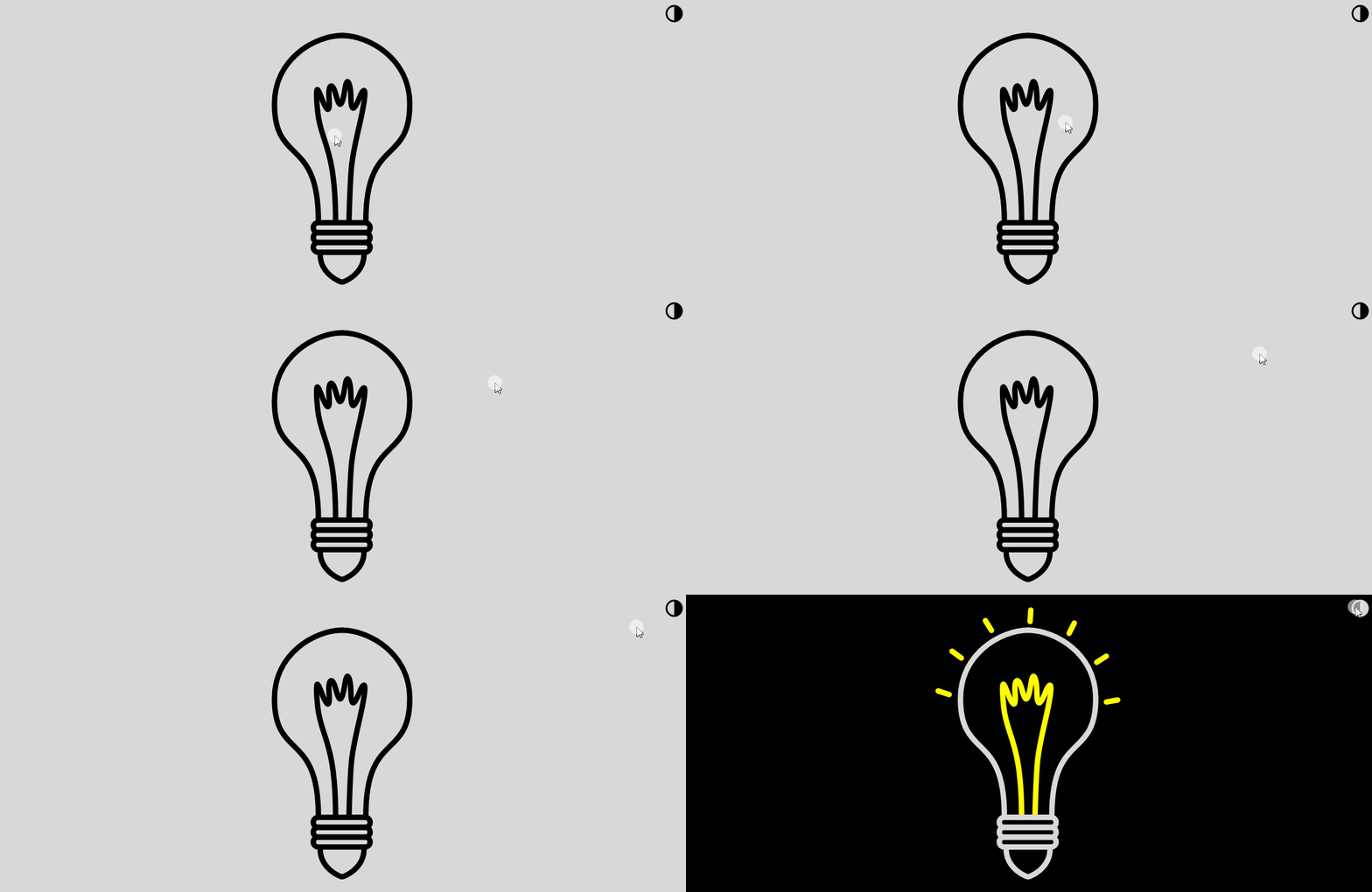
This website can switch between dark and light mode by clicking this switch button on the top right corner: This switch affects the background and font color of the page, but it can also create cool effects with graphics that respond to it, like below. This common feature across many websites is a rich “slice” of web development, showcasing the whole toolkit: HTML, XML-based graphics (SVG), CSS, and JavaScript. Stay tuned for the next blog post, where we’ll create this feature from scratch, as well as graphics responsive to it.
Preview: Dark/light responsive graphics on the web

How to get data from websites (fast)

Featuring 6 coding topics
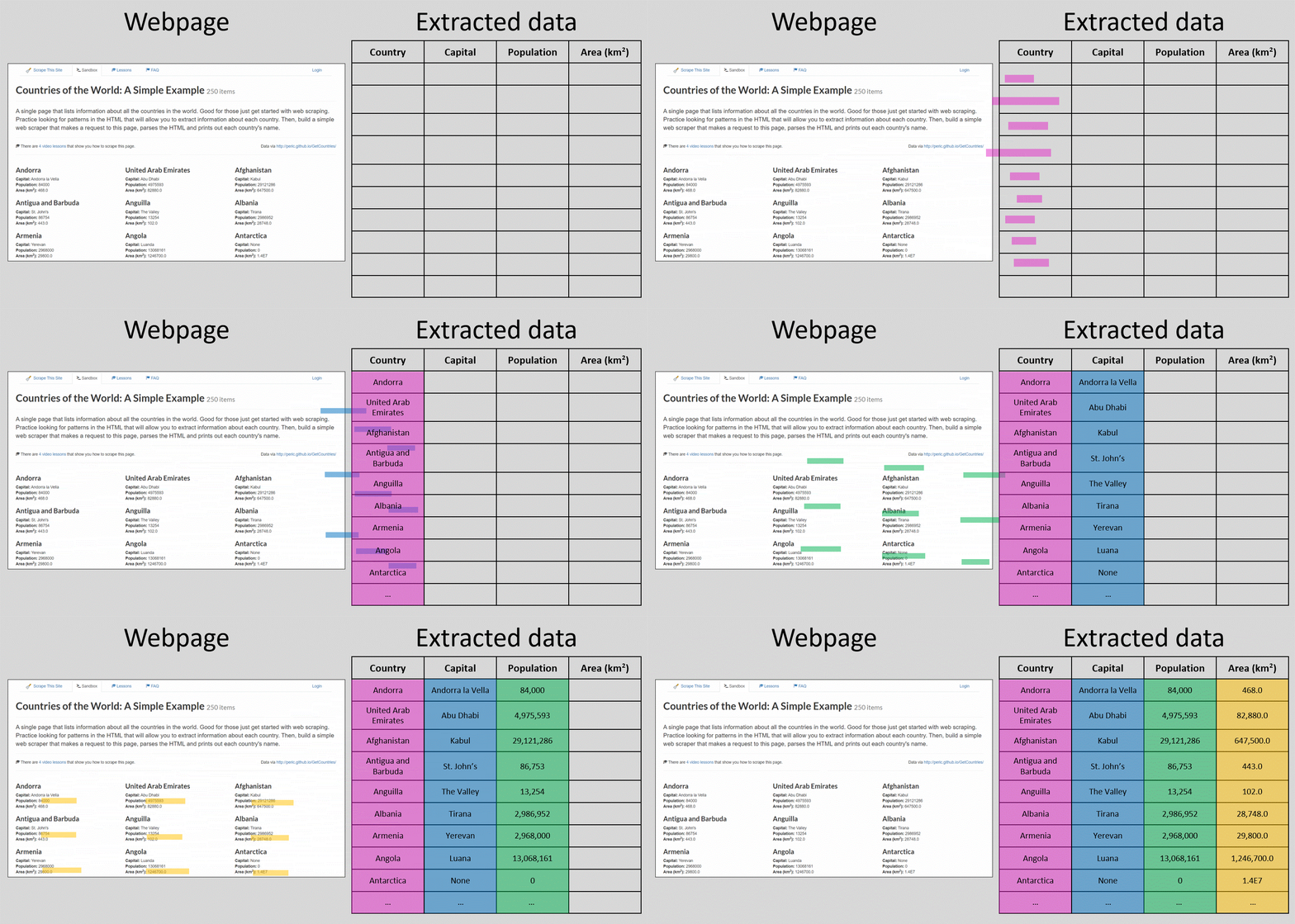
So far in this blog, we’ve tried to answer questions by creating “fake” artificial data, and finding patterns in it. That’s fun and all, but sometimes we just need data from the real world. Take for example the simple question: Which are the 10 most densely populated countries? In this post we’ll focus on data collection instead of analysis. As long as the data is accessible and somewhat structured in a webpage, we’ll see how to extract it for further processing and analysis - without tedious copy-pasting but with a code-based process called web scraping.
How to get data from websites (fast)

Main posts associated with